Hero Background

What's Nubes eSIM?

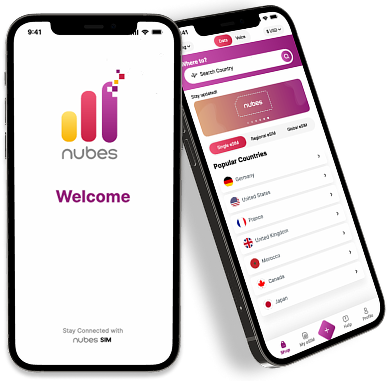
Nubes is a next-gen eSIM platform that lets you connect to mobile data around the world, no physical SIM, no roaming, just seamless connectivity
Phone illustration
Global Travel

Global Travel

Travelers can use Nubes eSIM to avoid costly roaming fees and skip the inconvenience of buying local SIM cards abroad.

Business Travel

Business Travel

Stay connected to your team and inbox during business trips without using unsafe public Wi-Fi.

Data and Voice Service

Data and Voice Service

Nubes provides fast and reliable mobile data in over 180+ countries. Nubes will soon offer low-cost voice service to complement its affordable data plans.
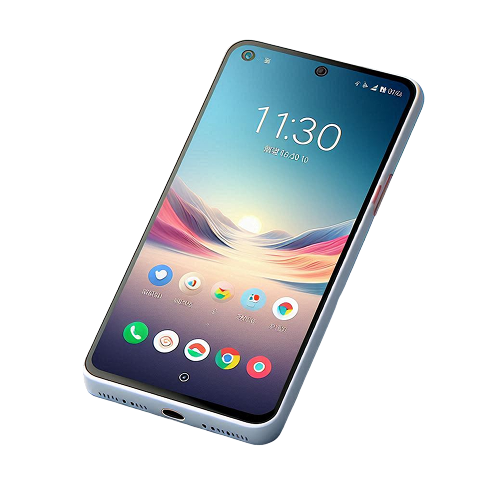
Before you take off, double-check that your phone is eSIM compatible

Phone Compatibility

How To Get Nubes eSIM?

1. Choose your destination and purchase a plan
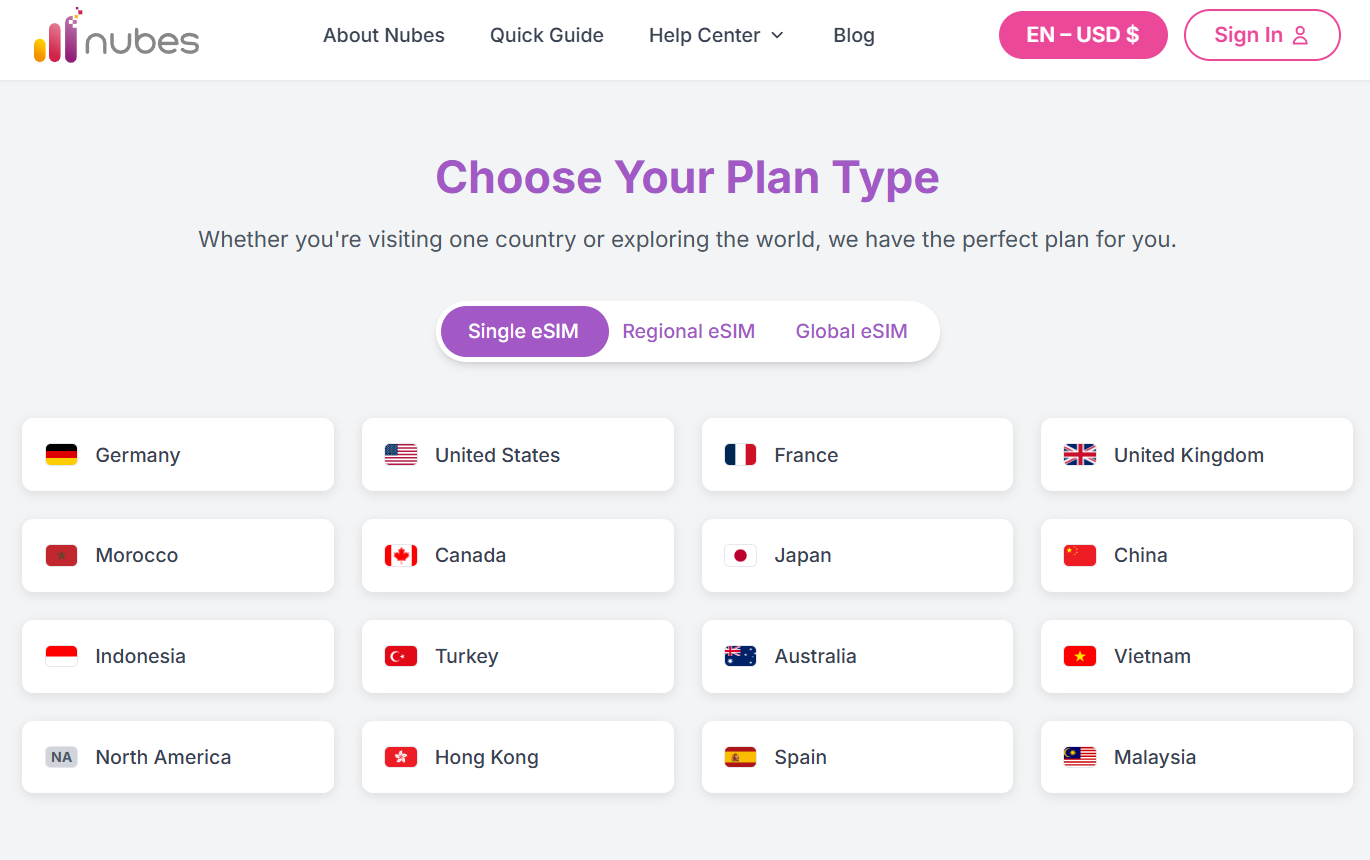
Choose Plan

2. Choose your destination and purchase a plan
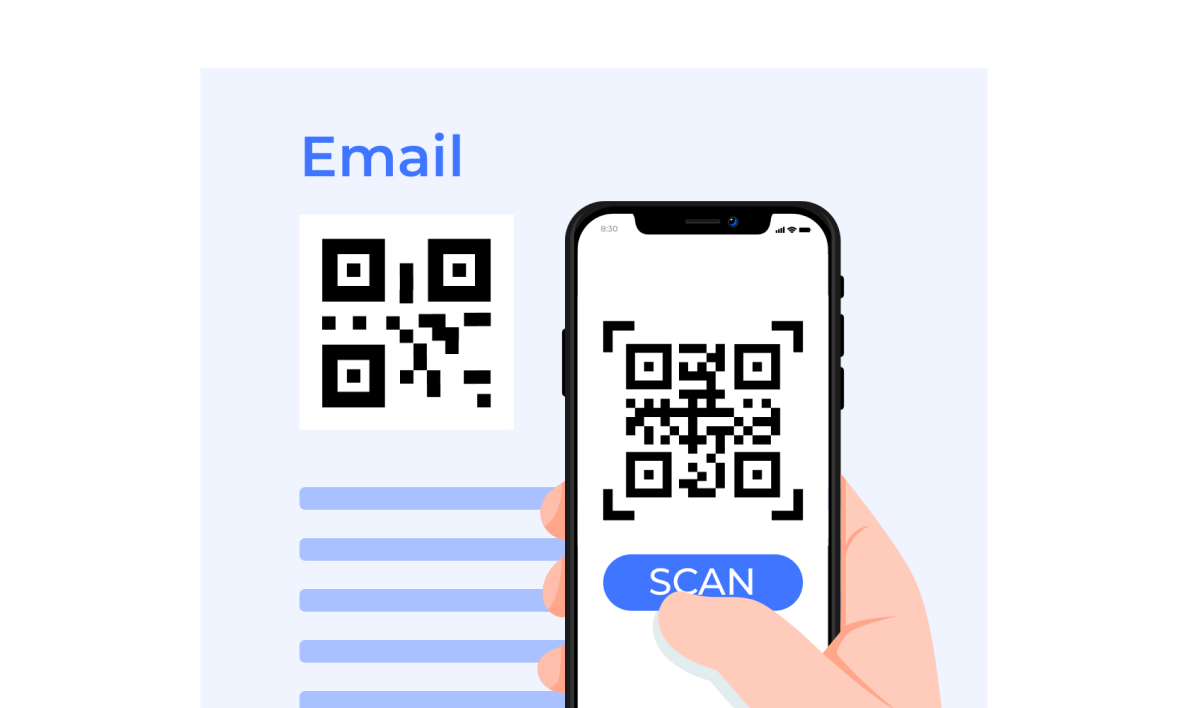
QR Code

3. Select Your Activation Method:

Method 1: Scan QR Code

For iPhone & Samsung:

  • Scan the QR code using your phone's camera.
  • Click "Cellular Plan" to install.

For Pixel:

  • Go to Settings > Network & Internet > Mobile Network or "+" > Add more.
  • Scan the QR code to install.

Method 2: Enter Activation Code Manually

For iPhone:

  • Go to Settings > Cellular > Add eSIM > Enter Details Manually.
  • Enter the "SM-DP+ Address" and "Activation Code", then tap "Next".

For Samsung:

  • Go to Settings > Network & Internet > SIM card manager > Add mobile plan > Scan carrier QR code or Enter activation code.
  • Enter the long "Activation Code."

For Pixel:

  • Go to Settings > Network & Internet > Mobile Network or "+" > Add more > Download a SIM instead? > Need help > Enter it manually.
  • Enter the long "Activation Code."
Download Nubes App Mockup

Download the Nubes App Today

Manage your eSIMs, track usage, and purchase new plans on the go with our mobile app.